Armored Blox Patch Notes (Unofficial)
Community-tracked BETA changes for the 48devs mech arena — verify in your live client.
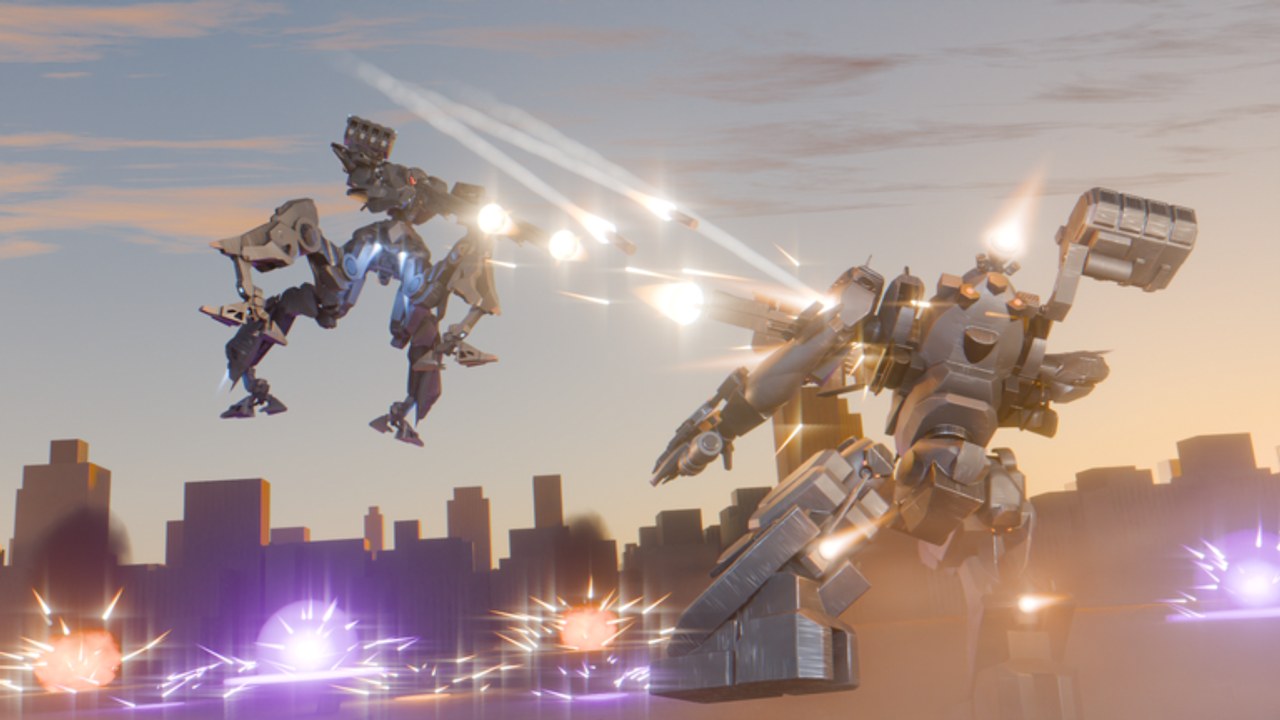
This page is an unofficial summary of notable Armored Blox BETA changes discussed by players since the October 2026 launch window. The live Roblox title is [2v2s] Armored Blox [BETA] by 48devs. Patch text inside the experience can differ from community shorthand — always trust your client after an update.
For how to track future patches, start at the Updates Hub. For play advice after a balance hit, jump to Combat and the Weapons tier list.
Why beta notes feel messy
Armored Blox is early access. Expect:
- Feature drops without long marketing posts
- Weapon numbers shifting after a weekend of 2v2 data
- UI labels that rename between sessions
- Mobile layout tools that appear before PC QoL polish
Treat this article as a pilot briefing, not a legal changelog.
November 8, 2026 — experience updated
Roblox API timestamps show the Armored Blox experience updated on November 8, 2026. We do not have a verified public bullet list of every change from 48devs for that day, so this wiki will not invent damage numbers, part IDs, or fake changelog rows.
What pilots should do after an update day like this:
- Re-open garage and confirm saved kits still equip (weight / generator errors).
- Play one low-stakes match to feel boost, weapons, and UI labels.
- Recheck whether a Codes / Redeem panel appeared — see Codes (still no confirmed public codes as of that date).
- Skim the 48devs group and experience description for any official notes before trusting social rumors.
If detailed patch text appears later on official channels, we will summarize it here without padding.
Highlighted community-noted changes
Custom AC colors
Players report custom AC color options so squads can paint frames for fashion and callouts. Colors rarely change damage, but they help duo communication (“orange light on right flank”). After painting, update your mental checklist on the Loadout checklist so you still verify weight and weapons before queueing.
Mobile button layouts
Mobile support includes custom button layout tools. That matters because boost, fire, and camera fight for the same thumbs. If you play on phone or tablet, rebuild your HUD using Mobile tips and confirm binds on Controls before ranked queues from the Players Hub.
Core expansions
Community update chatter mentions expansions that add parts, modes, or garage options. Expansions are why our Tier List Hub stays labeled as beta meta — a new frame weight or missile pack can flip yesterday’s S-tier overnight. Re-test one familiar kit after each expansion instead of copying a viral loadout blindly (Builds).
Zimmerman-style shotgun balance
Armored Core fans know Zimmerman-style shotguns as stagger monsters. Players have discussed nerfs or tuning aimed at that archetype in Armored Blox. If your close-range delete button feels weaker after a patch:
- Re-check optimal range in a learning match
- Pair the shotgun with a mid-pressure weapon instead of double-close spam
- Re-read Weapons and Combat for stagger roles
Balance swings are normal in a fresh Roblox mech arena with ~586k visits and ~14.5k favorites.
Practical post-patch routine
- Skim the Roblox experience description and group wall for developer notes.
- Open garage — confirm your saved AC still equips without weight errors.
- Play one intentional match focused on the changed system (shotgun range, new expansion part, mobile HUD).
- Adjust a single slot, then either stop or queue seriously via Ranked tips.
- Check Codes only if the patch mentions redeemables — as of Nov 8 2026 there is still nothing public confirmed.
What we will not invent
This wiki will not fabricate exact damage numbers, secret admin commands, fake Discord invites, or detailed patch bullet lists we cannot verify. If a detail is unconfirmed, we say so. Prefer official Roblox links from the Links Hub.
Connecting patch day to the rest of the site
| If the patch touched… | Read next |
|---|---|
| New frames / legs | Frames tier list |
| Weapons / shotguns | Weapons tier list |
| Controls or mobile HUD | Controls, Mobile |
| Match flow / 2v2 rules | Combat, Ranked |
| Onboarding friction | Getting Started |
Beta mindset for pilots
Winning streaks evaporate when a weekend patch lands. Keep two loadouts: a comfort mid and an experimental kit. Comfort keeps your mechanics sharp; experimental absorbs the shock of expansions. That discipline beats chasing every rumor on social clips.
Stay patient with 48devs while the BETA matures. Report bugs through legitimate Roblox channels. Skip shady “instant unlock” scripts — see Scripts for why.
When you finish reading, return to the Updates Hub for tracking habits, or jump into a practice session with the Getting Started checklist if you are still new.
Frequently Asked Questions
Quick answers for Armored Blox pilots.
Are these official 48devs patch notes?
No. This is an unofficial fan summary of community-noted BETA changes. Confirm details in your live Roblox client.
What changed on November 8, 2026?
Roblox shows the experience updated that day. We do not have a verified public detailed changelog, so re-test your kits and UI instead of trusting invented bullet lists.
Did Zimmermans get nerfed?
Players have discussed shotgun / Zimmerman-style tuning. Treat close-range delete buttons as under review and re-test after each update.
What are expansions in Armored Blox?
Community shorthand for content drops that add parts or systems. They can invalidate old tier lists quickly.
Do custom colors affect stats?
Colors are primarily identity and callouts. Always verify weight and weapons still match your plan after cosmetic edits.
Where should I look after a big patch?
Garage integrity first, then one focused match, then Weapons/Frames tier pages and Combat if stagger feels different.