Armored Blox Loadout Checklist
A repeatable garage ritual so beta patches and bad habits do not wreck your first round.
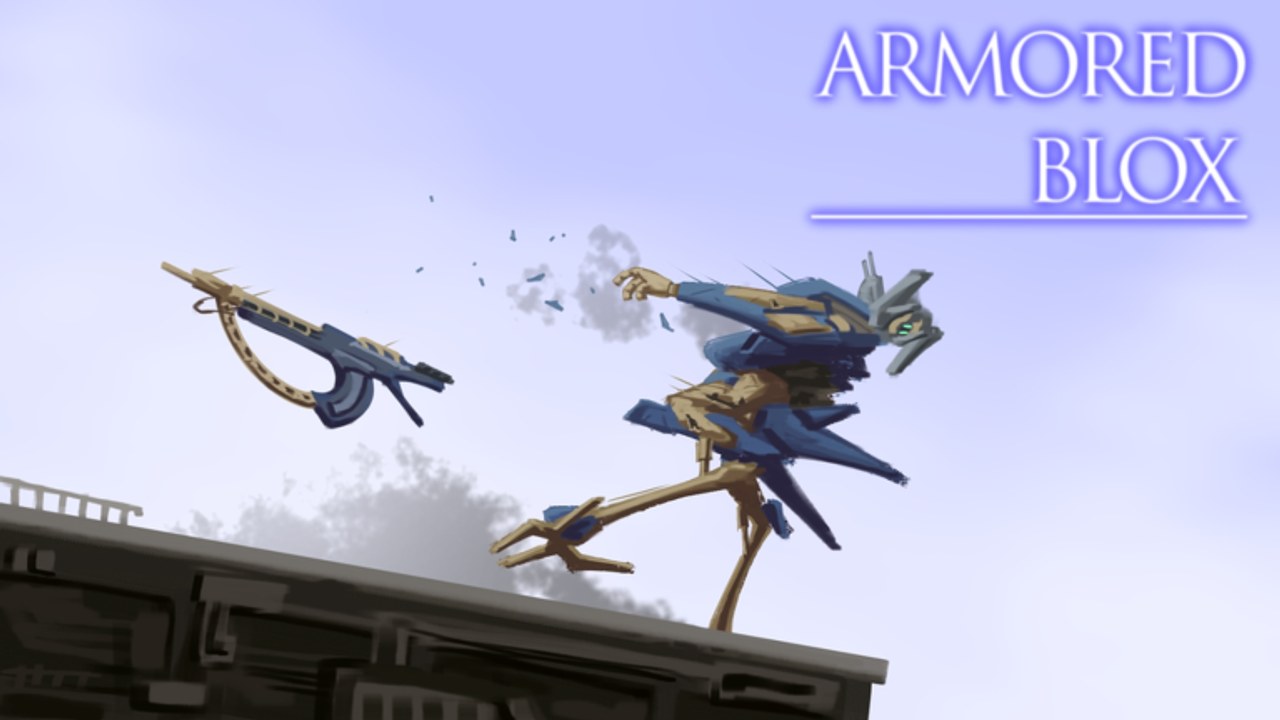
Use this Loadout Checklist every time you open the Armored Blox garage. The Roblox BETA by 48devs changes fast — expansions, color tools, and shotgun tuning can leave a “saved” AC quietly broken. This page is a practical tool, not software: print it mentally, then queue with intent.
Pair it with Builds, Controls, and the Tier List Hub when a slot feels wrong.
60-second garage gate
Run these checks before every serious queue:
- Identity — Can you say your job in one line? (“Mid pressure,” “Finisher,” “Peel for partner.”)
- Weight — Any overload warning? If yes, fix before cosmetics.
- Boost trust — Do legs + generator still feel like enough energy for two escapes?
- Range map — Primary range matches how you actually fight?
- Close answer — Shotgun / melee only if you have an exit plan after the swing.
- Partner fit — Does this kit duplicate your duo’s job or cover a hole?
- HUD — Mobile layouts still reachable under panic? (Mobile)
- Patch note — Did today’s update touch your main weapon? Skim Patch notes.
If any item fails, do not queue ranked ideas from Players yet.
Detailed checklist
Frame and mobility
- Frame weight class matches your aim skill today (light needs precision; heavy needs patience).
- Legs chosen for the map pace you expect in 2v2s.
- You tested a short boost strafe after the last expansion.
- You are not copying an AC6 tournament frame that ignores Roblox timing — see Frames.
Weapons and stagger plan
- Primary covers the range where most of your deaths happen.
- Secondary has a clear job (stagger start, finish, or anti-air style pressure).
- You know what changed if you main Zimmerman-style shotguns (Weapons).
- You will not open every fight at point-blank unless that is the kit’s design.
Generator and sustain
- Energy recovers fast enough for a second engage after a miss.
- You practiced stopping a boost before empty (muscle memory from Combat).
- Repair / heal resources — if the BETA exposes them — are bound somewhere you can hit while moving.
2v2 social layer
- Callout color / silhouette is readable for your partner (custom colors help).
- You agreed who peels and who finishes.
- You have a reset plan after a lost stagger trade.
- You reviewed Ranked tips if climbing matters tonight.
Platform checks
PC
- Camera sensitivity still tracks fast lights.
- Fire and boost are not fighting the same finger habits.
Mobile
- Custom button layout separates camera drag from fire.
- Boost is reachable without covering the enemy silhouette.
- You warmed up one match on Mobile tips settings after a UI patch.
Role templates (pick one)
Mid controller
Rifles / versatile missiles, mid frame, peel priority. Checklist emphasis: range map + partner fit.
Finisher
Shotgun or melee answer, higher risk. Checklist emphasis: close answer exit + stagger timing from Combat.
Anchor heavy
Hold space, absorb first swing. Checklist emphasis: weight honesty + boost for reposition, not endless chase.
After a losing streak
Do not rebuild the entire AC. Re-run the 60-second gate, change one failed item, and play two learning matches. If codes or scripts feel tempting, read Codes and Scripts — neither replaces garage discipline.
Weekly maintenance
Once per week:
- Open Updates and Patch notes.
- Retest comfort mid kit in a low-stakes match.
- Archive one experimental expansion part that never earned its slot.
- Refresh Getting Started if you are returning after a break.
Why checklists win in beta
Armored Blox rewards pilots who notice systems. A saved loadout is a snapshot, not a promise. This tool keeps your hands honest when social clips scream “new OP part.” Combine it with the Tools Hub mindset: practice routines beat miracle downloads.
When the checklist is green, queue. When it is red, fix the garage first — your future self in round one will thank you.
Frequently Asked Questions
Quick answers for Armored Blox pilots.
How often should I run this checklist?
Before every serious session and after any patch that touches weapons, frames, or mobile UI.
What if I fail the weight check?
Strip cosmetics and secondary luxuries first. Mobility and a clear primary beat a pretty overloaded frame.
Can I use this on mobile only?
Yes. Add the mobile HUD items every time — custom layouts drift after updates.
Is this an in-game tool?
No. It is a wiki checklist you apply in the Armored Blox garage on Roblox.
Where do I go if my kit still feels bad?
Rebuild with the Builds guide, then compare roles on the Frames and Weapons tier pages.