Armored Blox Mobile Pilot Tips
Layouts, performance, and fight habits for touch players.
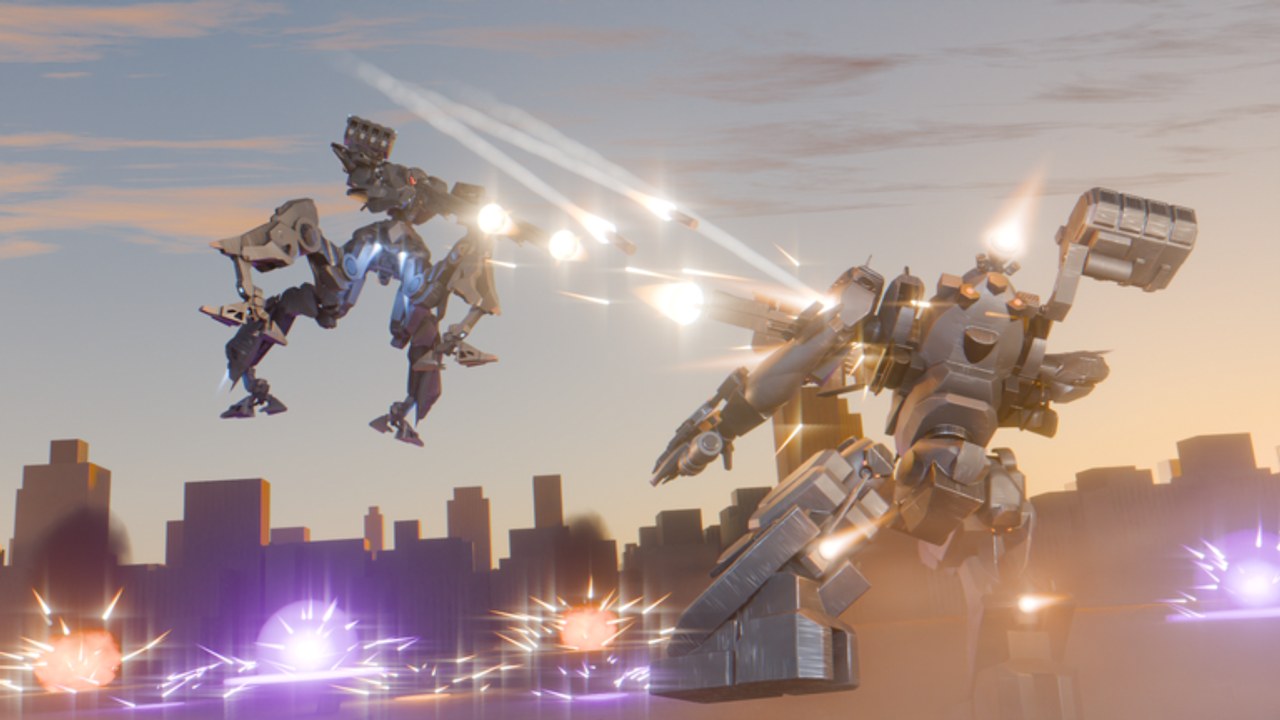
Mobile players can absolutely climb in Armored Blox. The 48devs BETA calls out mobile support and custom mobile button layouts, which is rare kindness for a mech battlegrounds game. This guide focuses on touch-specific setup, performance, and tactical simplifications. Pair it with the shared fundamentals in Controls and Combat.
Why mobile is viable here
Roblox already reaches phones and tablets worldwide. Armored Blox leaning into layouts means you are not stuck with a one-size HUD that covers your reticle. If you treat layout work as part of building your AC — same seriousness as generator choice — you will outperform PC players who never learned boost discipline.
Layout lab (do this before ranked)
Block twenty minutes:
- Open the custom layout editor.
- Place move and camera so thumbs do not collide.
- Put boost where you can hold it without covering fire.
- Separate primary fire from the camera drag zone.
- Shrink or fade non-combat buttons during matches if the UI allows opacity options.
- Save a profile named after your hand size or device (“Phone A”, “Tablet Landscape”).
Re-test after any UI patch noted on Patch Notes.
Recommended touch habits
| Habit | Why |
|---|---|
| Landscape when possible | Wider tracking arcs for light ACs |
| Short boost pulses | Long holds are harder to modulate on touch |
| Simpler weapon pairs | Fewer accidental ability taps |
| Higher FOV only if stable | Too much FOV plus low frames hurts aim |
| Callout macros / short text | Typing full sentences mid-fight is death |
Aim and tracking on glass
Touch aim prefers predictable enemies. Practical tips:
- Lead with pressure tools that do not demand pixel flicks every shot.
- Use lock assistance if present — learn its strengths in casual matches first.
- Prefer mid kits from Builds until your layout is invisible to your brain.
- Avoid ultra-light glass cannons until you can track without mis-tapping boost.
If shotguns are meta, practice approach angles where you do not need perfect micro-flicks from across the map. Balance changes happen — stay flexible via Weapons.
Performance checklist
Low frames destroy mech games harder than many genres because boost + camera compounds stutter.
- Close background apps and Discord overlays you do not need.
- Lower Roblox graphics until frame time feels stable, then raise one step.
- Disable fancy shadows if the toggle exists and costs you smoothness.
- Keep devices cool — thermal throttle mid-ranked is a silent loss condition.
- Use a stable network; mobile data spikes punish teleporting ACs.
If you cannot hold a readable framerate, simplify the fight plan: fewer aerial flourish moves, more deliberate ground-boost peeks.
2v2 habits for mobile duos
- Pre-agree roles so you are not typing essays (Players).
- Use color cues — custom AC colors help you spot your partner instantly.
- Peel early; mobile chase micro is harder, so do not take low-percentage tunnels.
- Party with a partner who understands touch delay instead of flaming it.
Device-specific notes
Phones
- Prioritize button spacing over looking “pro HUD minimal.”
- Consider a lightweight clip-on grip if hands cramp — hardware comfort is legal.
Tablets
- More screen helps, but reach can worsen; do not place critical buttons at far corners.
- Watch for case edges eating swipe inputs.
Mixed play (mobile + PC friends)
- Say you are on touch so callout timing accounts for your input style.
- You can still be the space creator while a PC partner takes flicky finishes.
Build tweaks that help mobile
- Mid weight over extreme light
- Weapons with forgiving projectile behavior when possible
- Generator headroom so recovery forgives imperfect pulse timing
- Avoid loadouts that require four simultaneous face-button actions
Validate with the Loadout checklist.
Practice plan (mobile-only week)
| Day | Focus |
|---|---|
| 1 | Layout only + movement |
| 2 | Boost pulses + camera |
| 3 | One mid kit in casual |
| 4 | Duo callouts with short phrases |
| 5 | Review deaths for mis-taps vs bad decisions |
Mis-taps are layout bugs. Bad decisions are combat bugs. Fix the right category.
Safety and scams on mobile
Mobile users see more sideload ads. Do not install random APKs promising Armored Blox unlocks. Script safety notes on Scripts apply doubly on phones. Stick to official Roblox clients and the experience linked from Links.
Related reading
Frequently Asked Questions
Quick answers for Armored Blox pilots.
Can mobile players compete in Armored Blox?
Yes. Custom mobile layouts and solid fundamentals make touch play viable. Spend real time in the layout editor before blaming matchmaking.
What layout mistake is most common?
Overlapping fire and camera so every shot flicks your aim. Separate those zones and retest in a casual match.
Should mobile pilots play light frames?
Not first. Mid-weight kits forgive tracking errors better while you stabilize inputs.
How do I fix overheating lag?
Lower graphics, remove heavy cases during long sessions if safe, close background apps, and take short breaks between ranked blocks.
Do I need a controller on mobile?
Optional. Many pilots succeed with touch layouts. Use a controller only if it is supported cleanly on your Roblox client and feels better in drills.
Where do I learn shared combat rules?
Read the Combat guide for boost and stagger, then return here for touch-specific execution tips.