Codes
Armored Blox codes status for the Roblox beta: how redemption usually works, where to watch, and what rewards look like. Updated for pilots.
View all CodesRoblox mech builds, 2v2 tips, and beta tiers.
Unofficial Armored Blox wiki for Roblox pilots: BETA codes status, AC builds, frame and weapon tiers, 2v2 combat guides, plus mobile tips.

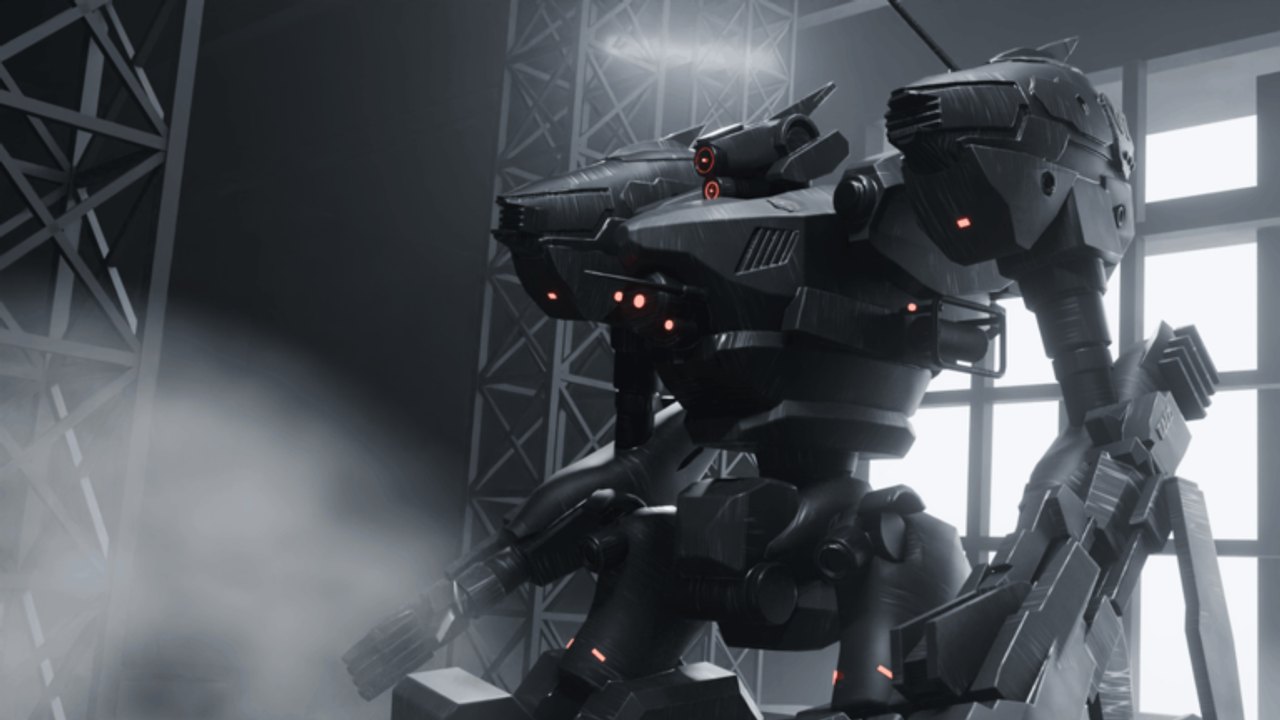
**Armored Blox** is a free-to-play Roblox mech battlegrounds experience by **48devs**, listed as **[2v2s] Armored Blox [BETA]**. Assemble an Armored Core–inspired AC, tune frames and weapons, then fight in **2v2-focused** PvP with boost combat and stagger pressure. Start with the Getting Started guide, learn inputs on Controls, lock a comfort kit in Builds, then check the Tier List and honest Codes status. Track living balance on Updates while the BETA evolves.
Armored Blox codes status for the Roblox beta: how redemption usually works, where to watch, and what rewards look like. Updated for pilots.
View all CodesArmored Blox guides map: getting started, controls, builds, combat, and mobile tips for Roblox 2v2 mech fights. Updated for pilots.
View all GuidesArmored Blox beta tier philosophy for frames and weapons: how we rank, why meta shifts, and where to dig deeper. Updated for pilots.
View all Tier ListArmored Blox players hub for ranked mindset, 2v2 callouts, duo chemistry, and finding teammates in the Roblox beta. Updated for pilots.
View all PlayersTrack Armored Blox Roblox beta patches: where to watch changes, what to expect in early access, and unofficial notes. Updated for pilots.
View all UpdatesArmored Blox scripts guide for Roblox: executor risks, ban reality, and smarter progression through builds and combat fundamentals.
View all ScriptsArmored Blox mental tools and loadout checklists for Roblox 2v2: pre-match routines without fake software downloads. Updated for pilots.
View all ToolsArmored Blox links hub for Roblox: official experience page, 48devs group references, and trusted community paths for BETA pilots.
View all LinksLaunch Armored Blox from Roblox, open the garage with Assembly, then follow Getting Started and skim Beginner mistakes before your first serious fight.
Set PC binds or a custom mobile button layout using the Controls guide so boost and camera stop fighting you.
Learn weight and synergy in Builds, keep EN headroom with Energy & boost, then check your budget on Weight budget while the BETA shifts.
Use Combat, Duo roles, and Ranked tips, then run the Loadout checklist before each ranked block.
Quick answers for Armored Blox pilots.
A free-to-play Roblox mech battlegrounds game by 48devs inspired by Armored Core–style assembly and boost combat, focused on 2v2s while still in BETA.
Read Getting Started, Assembly, and Beginner mistakes, then Builds and Energy & boost. For team play use Duo roles. Check Codes only for honest status.
No. This is an unofficial fan wiki. Confirm breaking changes on the Roblox experience page and 48devs channels linked from Links.
This wiki supports: English, Français, Deutsch, Español, Português (BR). Configure locales in site.meta.json and run npm run generate:i18n.
Yes. Mobile play and custom button layouts are highlighted features. Follow Mobile tips after you finish basic garage onboarding.
Use our Armored Blox guides for garage basics, boost combat, and ranked 2v2 habits. Begin with Getting Started, then refine parts on the Tier List and pre-fight routine on the Loadout checklist.
Start with the beginner guide