Armored Blox Pilot Tools & Routines
Checklists and practice frameworks — not shady executors.
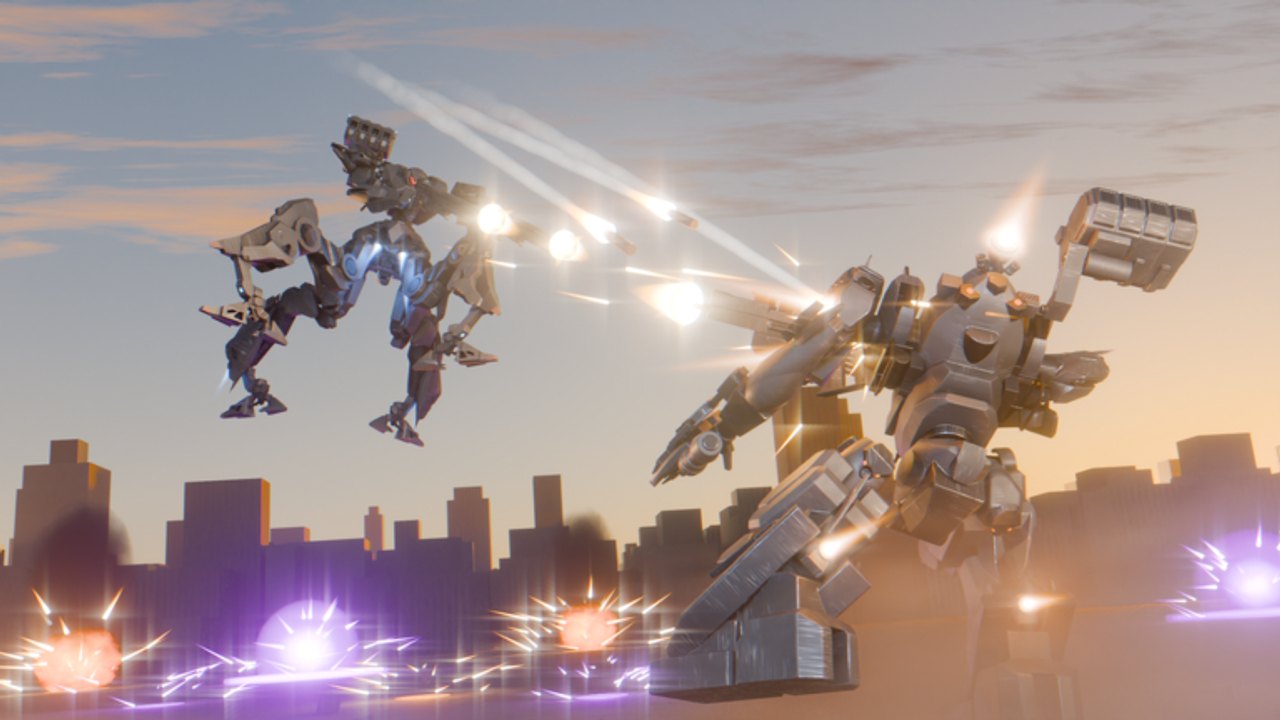
The Tools Hub for Armored Blox collects mental tools, checklists, and practice routines that make you sharper in 2v2 mech fights. Nothing here is a downloadable cheat client. If you want injectors, read why that is a bad idea on the Scripts Hub and come back.
Armored Blox rewards preparation: weight budgets, generator headroom, weapon pairing, mobile layout comfort, and duo role clarity. These “tools” are frameworks you can run in the garage and in your head between matches while the game stays in BETA.
Tool map
| Tool | Purpose |
|---|---|
| Loadout checklist | Pre-match garage and duo readiness pass |
| Weight budget | Overload warnings, EN vs weight trade, cut order |
| Combat review loop (below) | Post-match learning without full VODs |
| Warm-up block (below) | Ten-minute routine before ranked |
| Patch response card (below) | What to change after updates |
Use these with Builds, Combat, and the Tier List Hub.
Why checklists beat vibes
Beta lobbies are noisy. Players install random parts after watching a single clip, skip generator checks, and queue with empty boost discipline. A short checklist catches:
- Overweight legs that delete your escape plan
- Energy weapons that starve Assault Boost style movement
- Missing anti-air or anti-shield answers for the current meta
- Duo role overlap (two finishers, zero control)
- Mobile layout mistakes (buttons covering the reticle)
Run the full Loadout checklist before any session that matters. If the garage shows capacity warnings or your “light” kit feels stuck, run Weight budget before you touch cosmetics.
Warm-up block (about 10 minutes)
- Garage pass (3 min) — Confirm frame class, primary, secondary, and colors so you recognize your AC in chaotic fights.
- Input pass (2 min) — On PC, reaffirm boost and camera sensitivity. On mobile, open custom layout and ensure thumbs do not fight each other — see Controls and Mobile tips.
- Movement pass (3 min) — In a low-stakes match or practice space, practice boost strafe, hard turn, and disengage without firing.
- Role call (2 min) — Tell your duo who peels and who finishes. Sync language from the Players Hub.
Skipping warm-up is how you waste the first two ranked games “finding your hands.”
Post-match review loop
After each loss (and occasional wins):
- Write one line: boost, position, or focus fire — pick the real failure.
- Ask whether your kit or your decisions failed.
- If kit: change one slot using Builds rules.
- If decisions: re-read the relevant section of Combat or Ranked.
- Stop after one adjustment. Spirals create new problems.
This is a mental tool. You do not need third-party overlays.
Patch response card
When Patch Notes or the Updates Hub signal a change:
- If your main weapon was nerfed → swap archetype before forcing the old muscle memory.
- If mobile layouts / UI changed → rebuild comfort binds before ranked.
- If new expansion parts arrived → test them on a copy loadout; do not delete your comfort kit.
- If cosmetics / colors updated → useful for callouts (“orange mid”) but not a power fantasy.
Keep the response card next to your checklist until the meta stabilizes — which may take the entire beta.
Tools we will not fake
This hub will not invent:
- Desktop damage calculators that do not exist
- “Official” AP spreadsheets with fabricated numbers
- Browser extensions that require suspicious permissions
- Executor packs rebranded as “quality tools”
If a real community planner appears later, we may link it from Links with caution. Until then, garage experimentation plus these routines are enough.
Pairing tools with progression
New pilots: finish Getting Started first, then use the checklist every session.
Intermediate pilots: combine checklist + review loop + tier pages.
Duo grinder: add ranked callouts and shared warm-ups from Players.
Related reading
- Loadout checklist — printable mental steps
- Weight budget — overload and EN trade method
- Guides Hub — full tutorial map
- Codes Hub — do not wait on missing redeemables
- Wiki overview — game context
Frequently Asked Questions
Quick answers for Armored Blox pilots.
Are these downloadable tools?
No. This hub focuses on checklists and practice routines you run in-game and mentally. We do not distribute executors or fake software.
What is the most important tool for beginners?
The Loadout checklist plus Weight budget, paired with Getting Started and Builds. Catch overweight and energy mistakes before they cost matches.
Can I use overlays or scripts as tools?
Injected tools risk bans and malware. Prefer official mobile layouts, garage testing, and the routines on this hub.
How do tools help after a patch?
Use the patch response card: identify what changed, adjust one slot, re-run the checklist, then test before ranked.
Where should duos start?
Run the loadout checklist together, agree roles, then follow Players and Ranked pages for callouts.