Armored Blox Guides & Walkthroughs
From first garage visit to confident 2v2 fights.
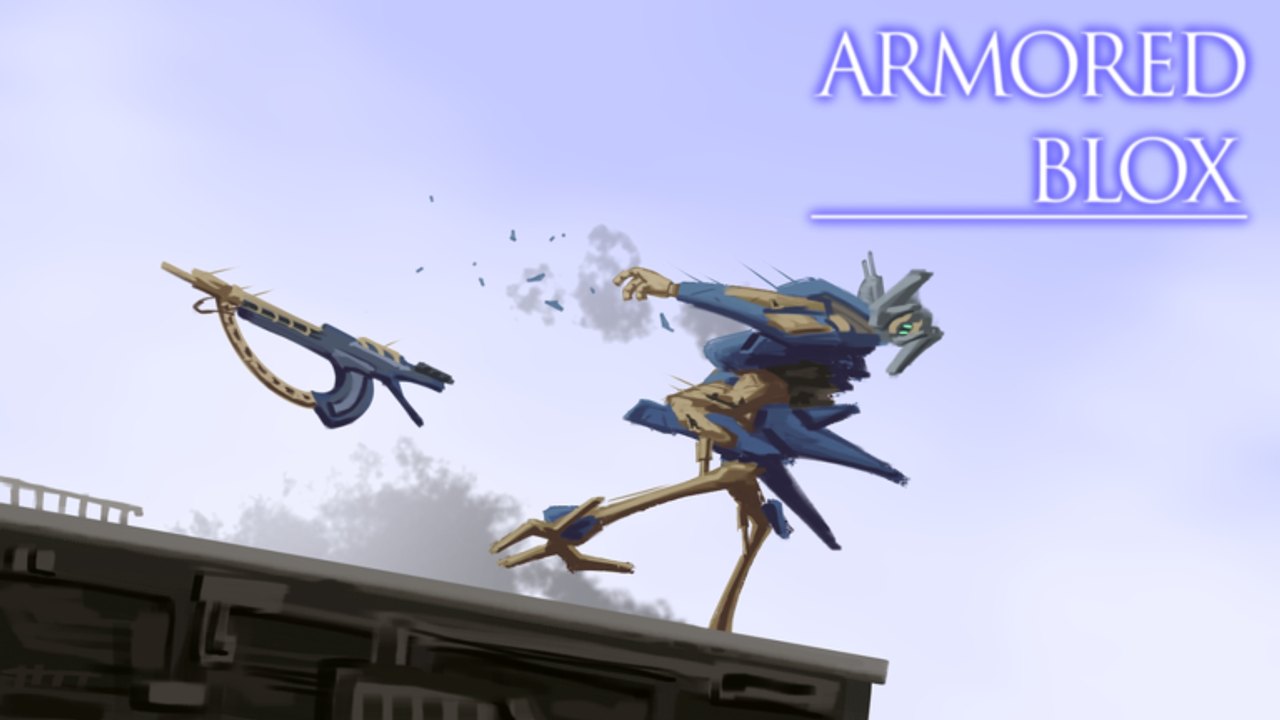
This Guides Hub is the main tutorial map for Armored Blox, the Roblox mech battlegrounds experience by 48devs (listed as [2v2s] Armored Blox [BETA]). Whether you are coming from Armored Core 6 or brand new to AC-style assembly, start here, then branch into the child guide that matches your bottleneck.
Armored Blox focuses on building a custom Armored Core–inspired machine, then fighting in 2v2-focused PvP with boost combat, stagger pressure, and loadout synergy. The place supports a larger player capacity (up to 20), but your ranked mindset should still think in pairs. Guides below stay practical for PC, console-via-Roblox, and mobile pilots who use custom button layouts.
Guide map
| Guide | Best when you need… |
|---|---|
| Getting Started | Day-one join flow, garage basics, first match |
| Controls | PC + mobile inputs, camera, boost, layouts |
| Builds | Weight, generators, weapon synergy |
| Combat | Boost economy, stagger, 2v2 roles |
| Mobile tips | Touch UI, performance, layout habits |
| Assembly | Slot-by-slot garage workflow and kit validation |
| Energy & Boost | EN floors, boost-in/out loops, empty-tank deaths |
| Beginner Mistakes | Overweight kits, FOMO, fake codes, bad YouTube copies |
Featured deep dives for most new players: Getting Started, Builds, and Assembly. If you already understand the garage, jump to Combat and Energy & Boost before grinding ranked queues described on Ranked. Skim Beginner Mistakes anytime you feel stuck repeating the same losses.
Recommended learning order
- Orientation — Skim the Wiki overview so beta expectations are clear.
- Onboarding — Follow Getting Started through your first assembly and match.
- Inputs — Spend one session only on Controls until boost and camera feel natural.
- One comfort build — Use Builds to lock a mid-weight kit you can pilot on autopilot.
- Garage workflow — Walk Assembly slot-by-slot and validate in two casual matches.
- Fight craft — Study Combat for stagger timing and partner roles.
- EN discipline — Drill Energy & Boost until boost-in/burst/boost-out is automatic.
- Platform polish — Mobile players continue into Mobile tips.
- Mistake audit — Read Beginner Mistakes and delete your top two traps.
- Meta check — Compare your parts against Frames and Weapons.
- Pre-match routine — Run the Loadout checklist before serious queues.
Skipping straight to tier lists is a common mistake. Tiers assume you already know why a generator choice matters.
What these guides assume
- You are playing the free-to-play Roblox experience — no paid trainer required.
- The game is early-access / beta, so UI labels and part names can shift after expansions.
- Community Discord discussion sometimes maps part nicknames to AC6 equivalents; we keep core terms in English (AP, stagger, FCS, frame, boost) for clarity.
- Codes may not exist yet — see the Codes Hub for honest status instead of fake tables.
How guide pages are structured
Each child guide aims for real depth: step lists, decision frameworks, and FAQs. Where a trustworthy YouTube overview helps, we embed one mid-article video — never a stack of unrelated clips. After reading, use internal links to return here or jump to Updates when a patch changes the advice.
Common beginner failure points
- Overweight builds that look scary in the garage but cannot boost away from stagger.
- Ignoring mobile layouts and fighting the UI instead of the enemy AC.
- Duo queueing without roles — two finishers and no space control.
- Chasing every expansion part before mastering a single kit.
- Trusting scripts instead of practice — read the Scripts Hub safety notes if tempted.
Fix those with the guides above — especially Beginner Mistakes — then validate your kit on the Tools Hub.
For AC6 veterans
If you already know Armored Core 6 assembly language, transfer your time:
- Skim Builds and Assembly for Roblox-specific weight and generator constraints.
- Read Combat and Energy & Boost for 2v2 role language and EN loops that differ from 1v1 trainer habits.
- Check Patch Notes for beta-only systems like custom colors and mobile layouts.
- Use Discord community mapping cautiously — names may not match 1:1 with FromSoftware parts.
Related hubs outside Guides
- Tier List Hub — ranking philosophy
- Players Hub — teammates and ranked mindset
- Updates Hub — patch tracking
- Links Hub — official Roblox place and group pointers
Frequently Asked Questions
Quick answers for Armored Blox pilots.
Which guide should I read first?
Start with Getting Started, then Controls, then Builds. Jump to Combat once you have one comfort loadout you can pilot without menu panic.
Do guides work for mobile players?
Yes. Controls and Mobile tips cover touch layouts and performance. Core build and combat advice still applies across platforms.
How often are guides updated?
After meaningful beta changes. Cross-check Patch Notes and the Updates Hub when expansions or weapon balance land.
Are these official 48devs guides?
No. This is an unofficial fan wiki. Always confirm breaking changes on the Roblox experience page and trusted developer channels.
Where do tier lists fit in?
After you understand builds and combat. Use the Tier List Hub to refine parts, not to skip fundamentals.